Overview
A dark theme designed for long coding sessions. DarkByte features balanced contrast and smooth syntax highlighting that's easy on the eyes.
Installation
Install from the VS Code marketplace:
- Open VS Code or Cursor
- Go to Extensions (Ctrl+Shift+X)
- Search for "DarkByte"
- Click Install, then select the theme from Color Theme settings
Or download the VSIX file from the downloads page.
Color Palette
DarkByte uses a carefully selected palette:
Background
Sidebar
Foreground
Keywords
Strings
Functions
Types
Numbers
Constants
Comments
Accent
Errors
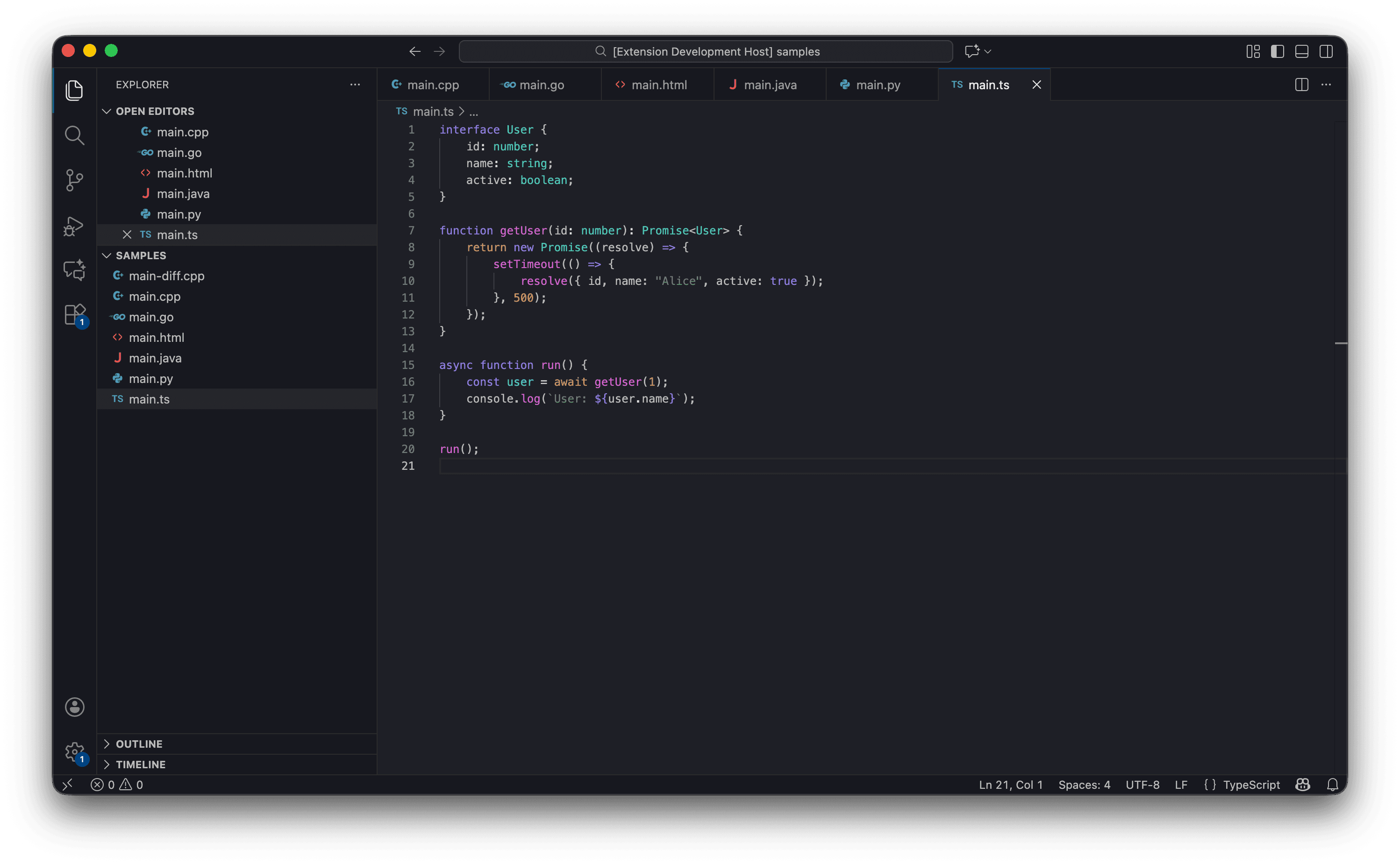
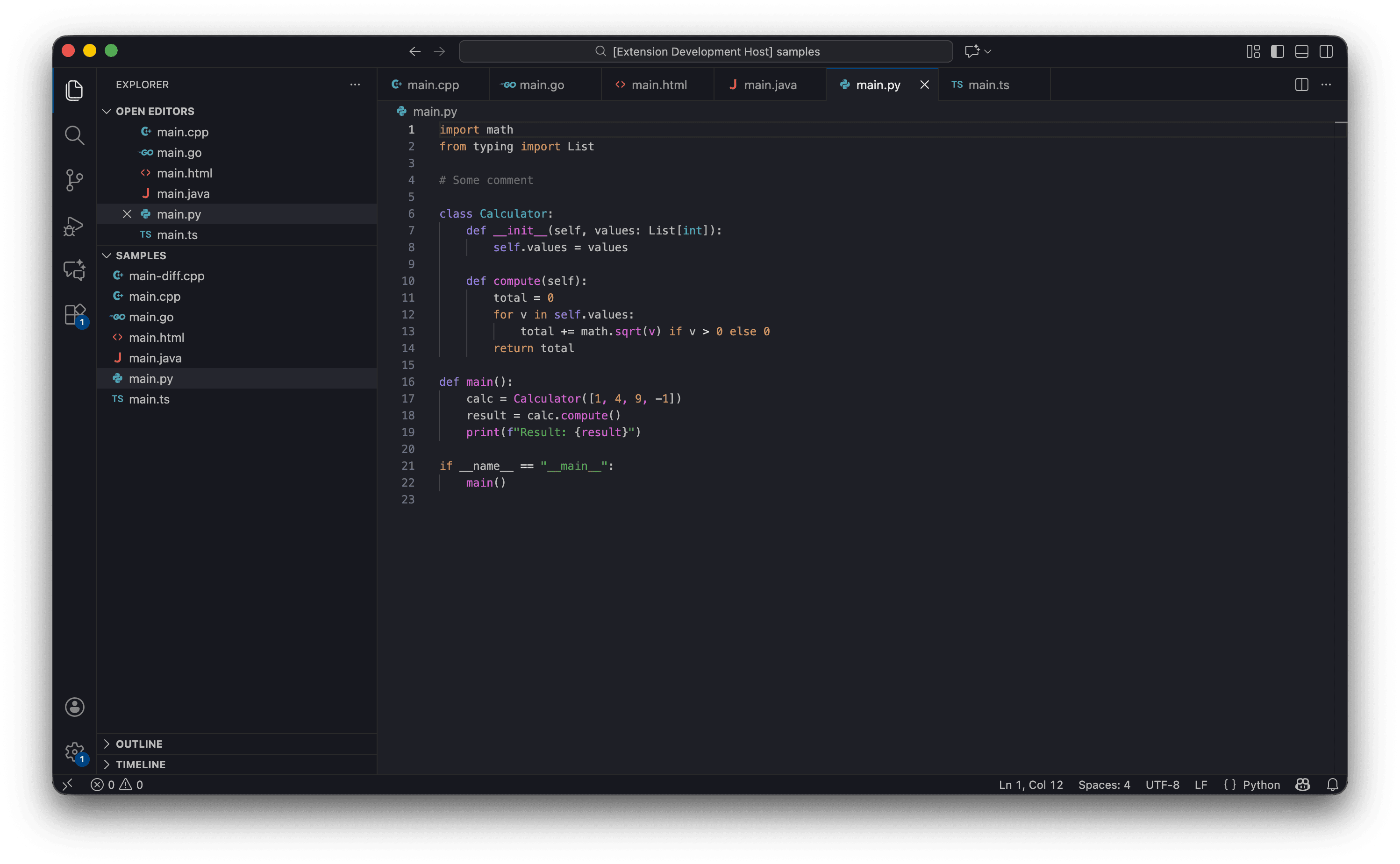
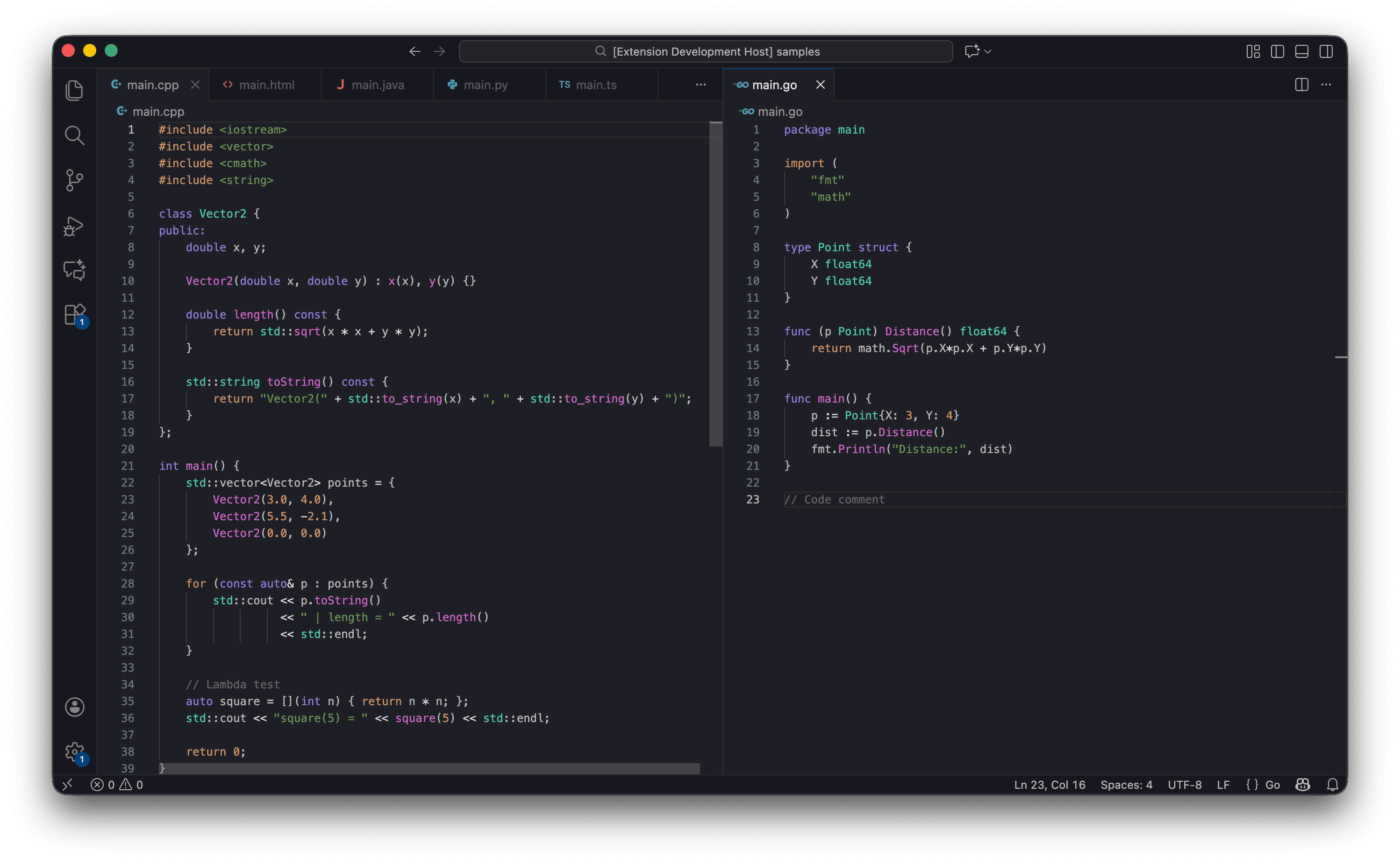
Screenshots
Sample syntax highlighting across different languages:
Changelog
1.1.0
- Added a black theme version - editor, sidebar colors
1.0.1
- Added the extension icon
1.0.0
- Initial release